This is simply a built-in report that you can run to get a list of lunch applications in the current year.
Sample output:

How to Run This Report:
- Go to Student Data>Reports
- Search report 21530 in "Search" field.
- Click on the report.
- Select the parameters you want:
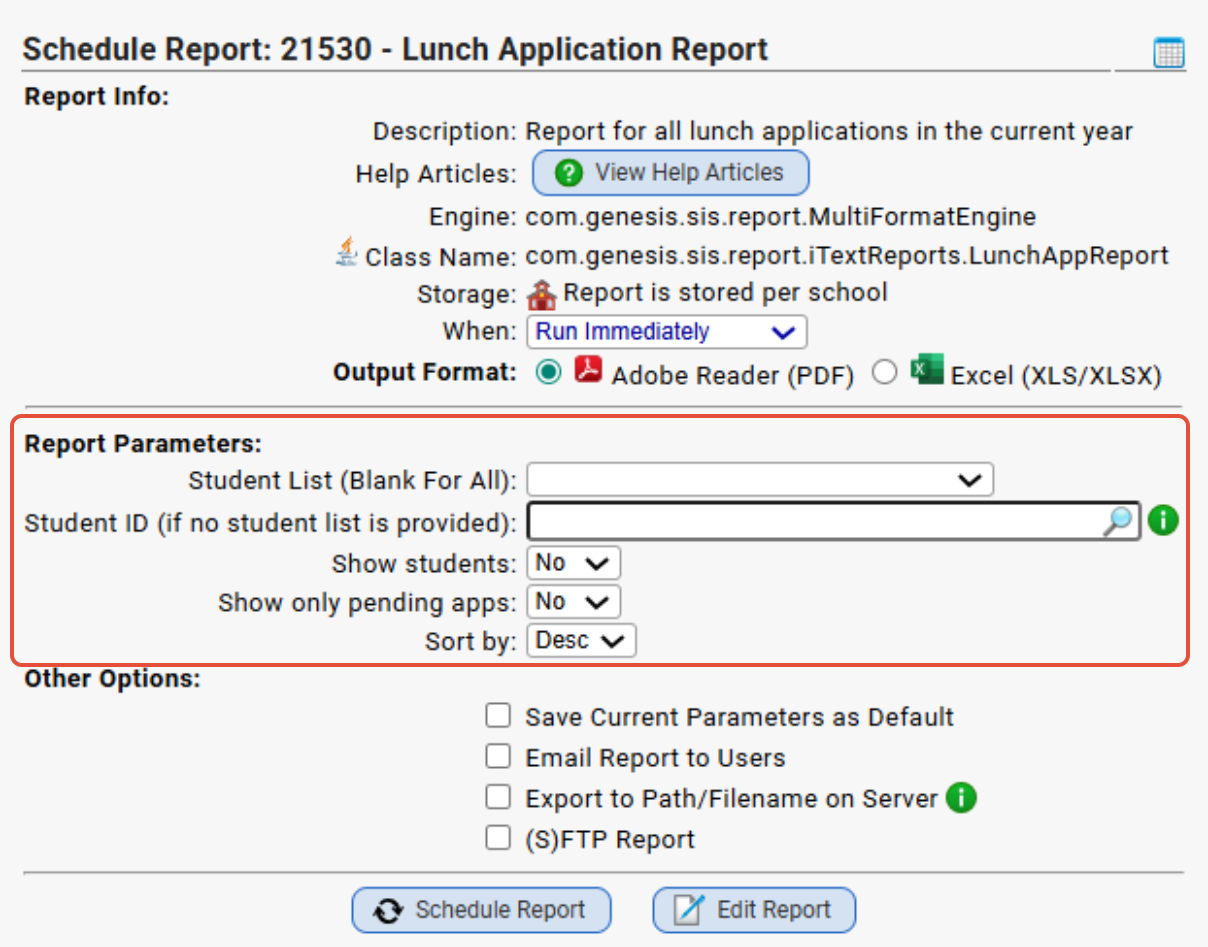
- Click "Schedule Report."
If you are looking for a different report or for different Lunch related articles, please visit some of the other articles listed below:
Was this article helpful?
That’s Great!
Thank you for your feedback
Sorry! We couldn't be helpful
Thank you for your feedback
Feedback sent
We appreciate your effort and will try to fix the article