We have added a new screen for importing User Flags, User Texts, and Student Emails to students from excel files.
This is found via Core>Import>Student Data Import.
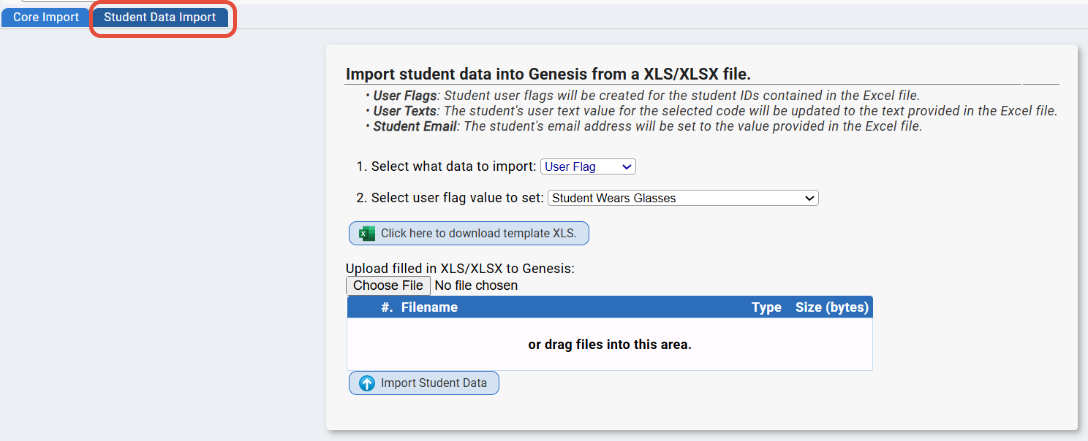
Currently, there are 3 options in the "Select what data to import" dropdown:
• User Flags: Student user flags will be created for the student IDs contained in the Excel file.
• User Texts: The student's user text value for the selected code will be updated to the text provided in the Excel file.
• Student Email: The student's email address will be set to the value provided in the Excel file.
Was this article helpful?
That’s Great!
Thank you for your feedback
Sorry! We couldn't be helpful
Thank you for your feedback
Feedback sent
We appreciate your effort and will try to fix the article